
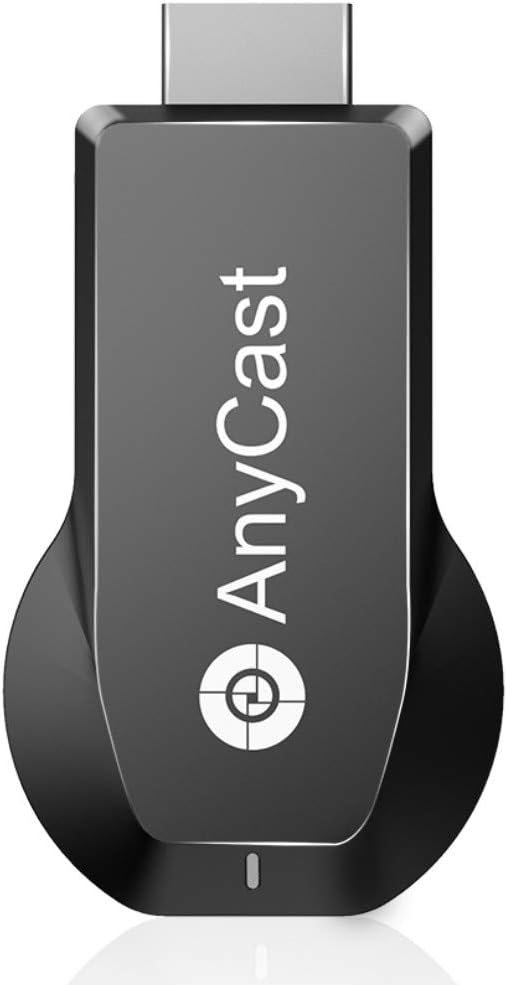
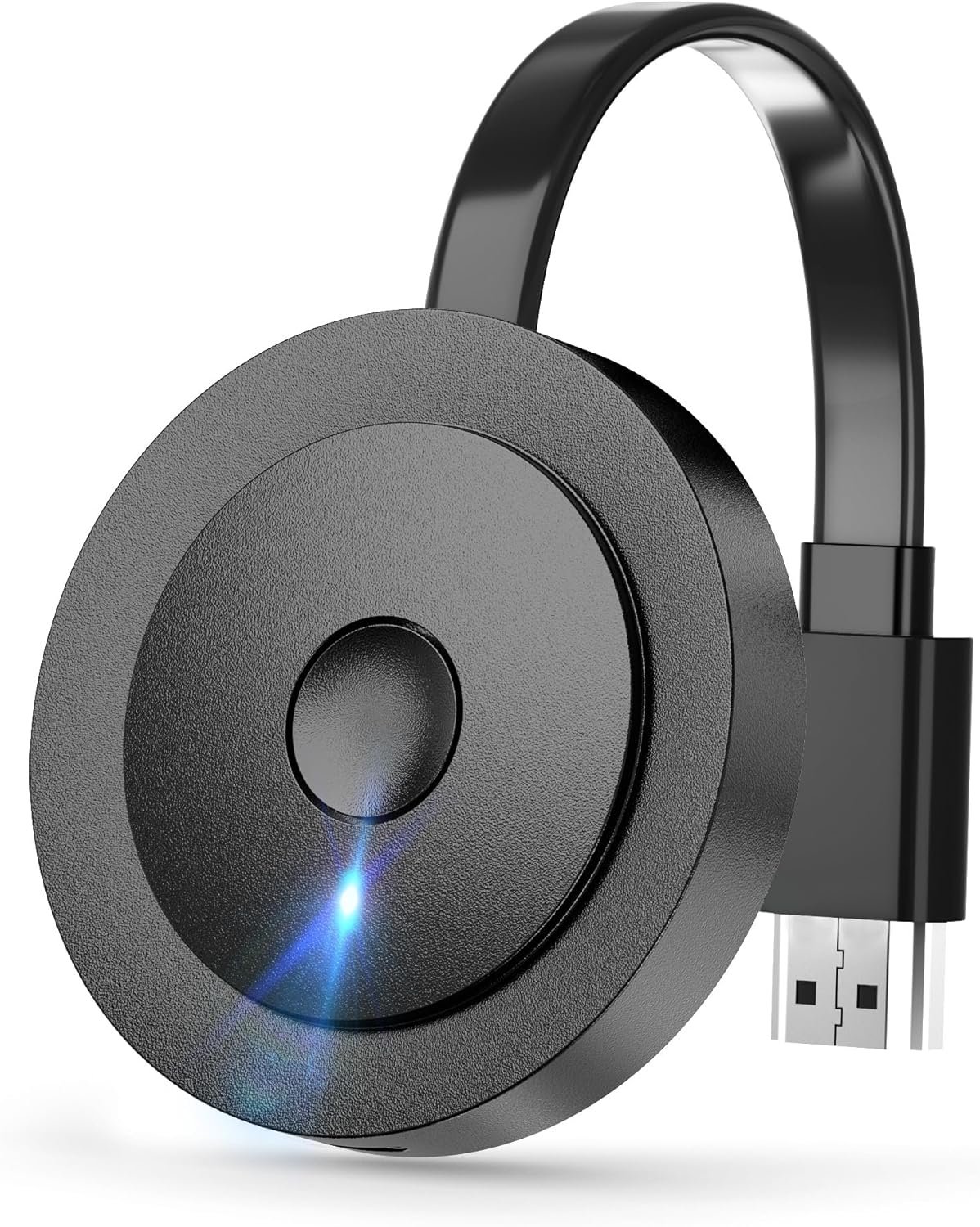
4K/1080P Anycast M100 Wireless Display Adapter, SmartSee WiFi Display Dongle HD Screen Mirroring Dual Core H.265/HEVC Decoder HD TV Stick Without Switching Miracast Airplay DLNA Support 4K 1080P
$29.98
Related Products

Product description

Anycast M100 Wireless Display Adapter:
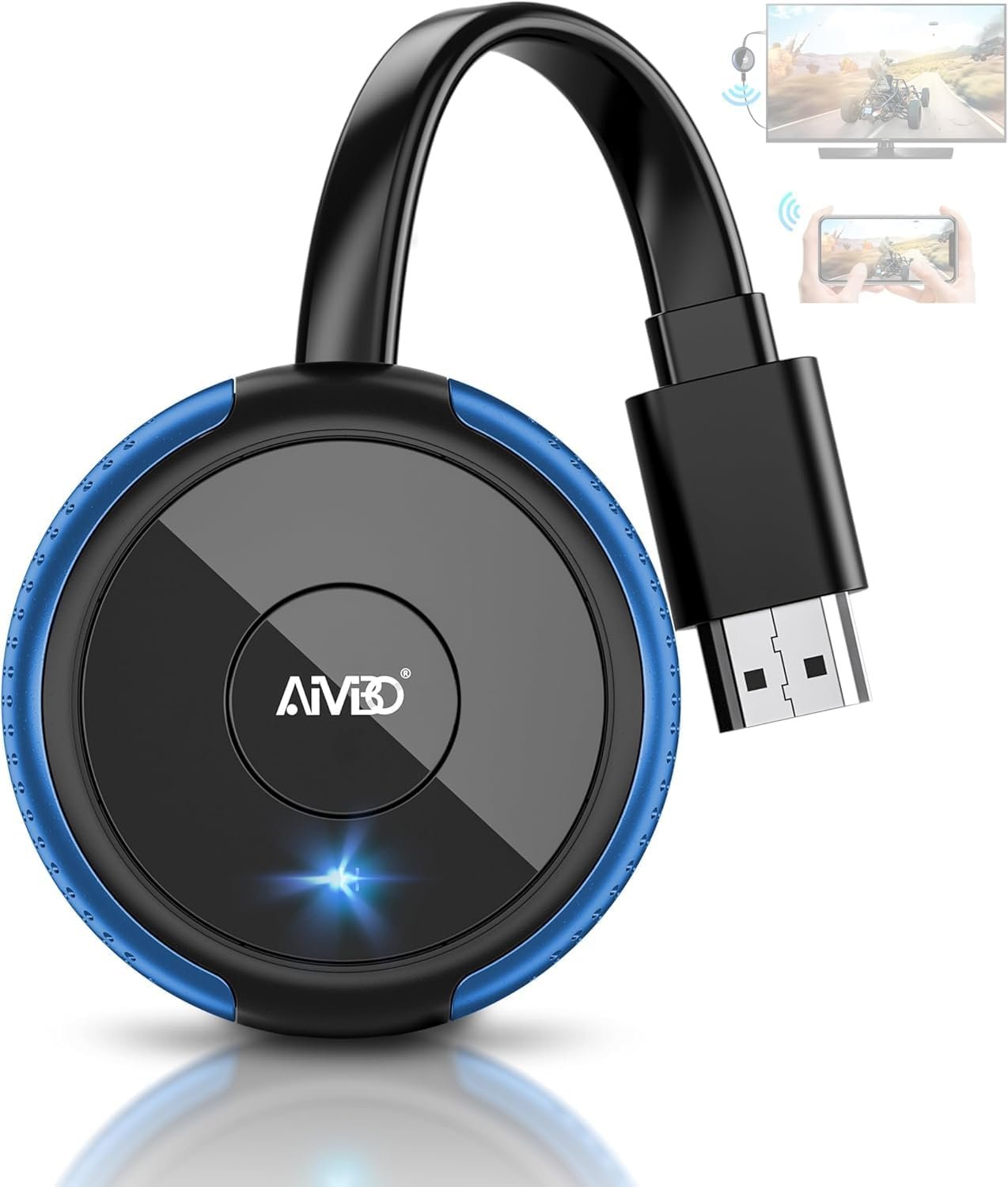
Cast what shows on your phone/tablet to your TV/projector wirelessly by simple connection
Share your phone/laptop screen on a bigger display (TV/projector/monitor).Avoid the hassle of HDMI cables and adapters.Enjoy cross-platform compatibility (iOS, Android, Windows, Mac).
Feature of Anycast M100 Adapter:
1. Support Miracast Airplay DLNA protocol, and No Need Switching in Miracast Airplay DLNA Modes.
2. Powered by RAM dual core. Support H.265/HEVC Decoder, 4K(3840 X 2160) and 1080P resolution.
3. Support Google Home App casting on Android device and Google brower casting on Windows. Support all unencrypted content on iOS device
Please note:
Please do plug the USB cable into an external power adapter which offer no less than 5V/1A power.No Apps or driver needed, please do not pay for any subscription. Just follow the User Manual to connect this dongle.Device Limitations–Not compatible with Google Pixel or Motorola phones because lack of Miracast protocol. Please confirm that Android and Windows devices must support Miracast protocol before purchasing.App Restrictions–Not compatible with copyright-protected apps such as Netflix, iTunes, Amazon Video, HBO Go, Hulu Plus, Honda Motor, ESPN, etc. (Playing the protected videos will only play sound, no videos)We will regularly update the firmware from the cloud server to add features and improve compatibility, so this dongle could be compatible with the new version of your device timely.
Wireless Screen Mirroring Adapter

True cross platform Wi-Fi display technology
Turn your HDTV into a smart TV with SmartSee Wireless display adapter .
What is a wireless display adapter used for? A: A wireless display adapter (also called wireless HDMI dongle, screen mirroring device, or streaming stick) lets you cast your phone, tablet, or laptop screen onto a TV, projector, or monitor. It’s great for home entertainment, business presentations, classroom teaching, video calls, gaming, and travel.
Do I need this item? Yes, everywhere.
At home: you can mirror your phone/tablet to your TV, no need to stare at the phone alone, watch TV together and free your hands.
At hotel: Setting the TV or TV box is a little troublesome? Just mirror your mobile device to TV or projector by using this item.
In a meeting room: No need other cables, just connect this item to mirror your tablet pc on your projector wirelessly.
In a classroom: Share your content of courses on big screen wirelessly.
How do you use it?
Pair it and do screen mirroring directly.
Can I use it with my for iPhone or iPad? A: Absolutely. It supports AirPlay screen mirroring. Just connect to Anycast in your WiFi list, enter the IP to connect WiFi, and enable Screen Mirroring / AirPlay to cast your iOS device to TV.
Does it support Windows and Mac laptops? A: Yes. Works with Windows 8.1+ (Miracast-enabled PCs) and MacOS 10+. Ideal for office meetings, online classes, or projecting documents and presentations.
Does it work with Android devices? A: Yes, it supports Android 4.4+ devices that have Miracast / Wireless Display / Smart View. (Note: Not compatible with Google Pixel and Motorola phones that lack Miracast protocol.)
Can I watch Netflix, Amazon Prime Video, or Disney+ with this dongle? A: No. Apps with DRM/protocol protection such as Netflix, Prime Video, Hulu, HBO Go, DIRECTV are not supported. You can stream content from YouTube, TikTok, Facebook, Instagram, and most other apps without issue.
How do firmware updates work? A: The Anycast dongle supports OTA (Over-the-Air) cloud updates. Just keep it connected to WiFi, and it will automatically update to stay compatible with the newest iOS, Android, and Windows versions.

HD Screen Mirroring Adapter
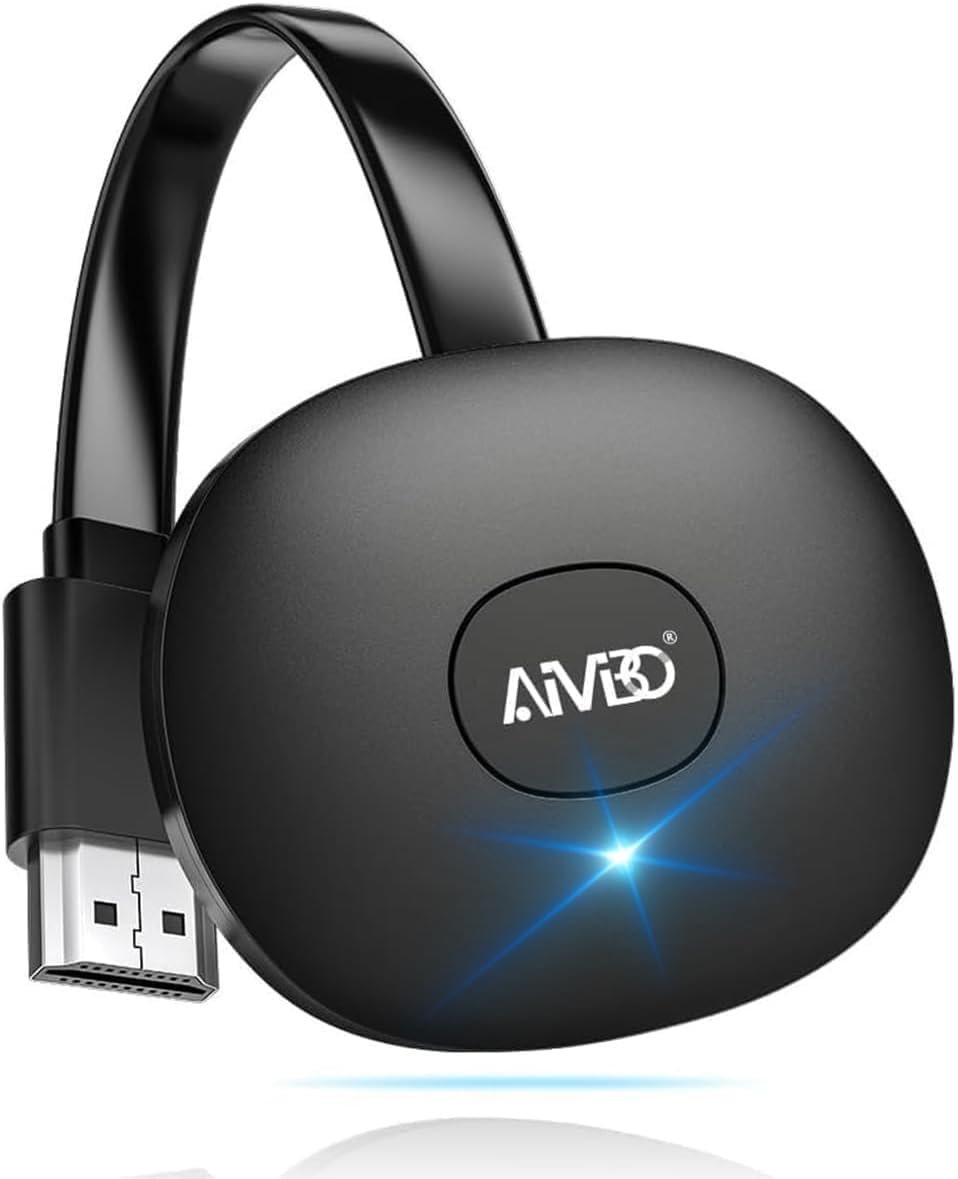
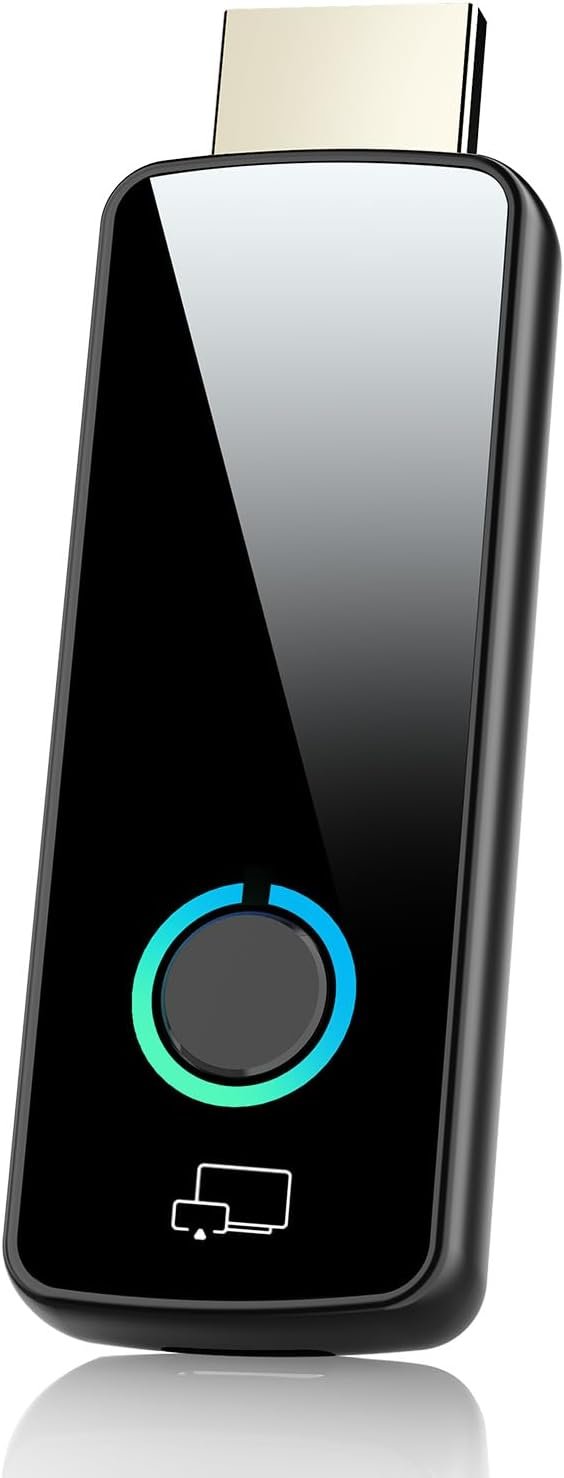
Anycast M100 is an HD mirroring adapter, it mirrors your phone/tablet to any display with HD port. Not limited to TV or projector.
Configuration upgrade: The latest dual-core 1.6 GHz chip supports H.265 / HEVC dual decoding. In the three-in-one mode, the Miracast Airplay DLNA mode does not need to be switched. Support 1080P and 4K (3840X2160) output, faster and higher definition.
Power Supply: Please power this item with 5V/1A at least via USB, so it ensures enough power supply. When it is powered, the light will light up.
Restart Button: press the button on Anycast to retart it anytime.

Suitable for occassions
Home Entertainment – Stream movies, YouTube, TikTok, or music videos from phone/tablet to TV without messy cables. Play mobile games on a big screen. Share family photos & videos instantly on a TV during gatherings.Office & Business – Use in meetings or presentations to mirror laptop/phone to a projector or big screen. Cast Zoom, Teams, or for Google Meet video calls to TV for a larger view..Education & Classroom- Teachers can mirror tablets/laptops to project lessons, slides, or videos for the whole class. Students can share projects or research wirelessly with classmates. Useful for remote teaching setups with online classes.Travel & On-the-Go – Carry a small dongle to turn any TV in a hotel/Airbnb into a smart screen. Great for business trips where you need to present without carrying heavy equipment.Video Calls & Social Media – Cast Zoom, Teams, or for Google Meet video calls to TV for a larger view. Stream Facebook Live, Instagram, or TikTok content on a big screen.

Wireless Connection Guides
Connection with iOS Devices: Connect to Anycast in WiFi list → Enter 192.168.203.1 in your browser to join WiFi → Enable AirPlay / Screen Mirroring cast iOS devices to TV wirelessly.
Connection with Android Devices: Turn on the Miracast / Wireless Display / Smart View feature on your Android device, select “Anycast,” and mirror your phone to TV instantly.
Connection with Windows Devices: Press key “Win” + “K” on your keyboard at the same time and select the Anycast dongle to mirror your laptop to TV or projector/monitor wirelessly.
Add to Cart
Add to Cart
Add to Cart
Add to Cart
Customer Reviews
3.5 out of 5 stars 465
3.4 out of 5 stars 102
3.4 out of 5 stars 160
3.6 out of 5 stars 119
3.4 out of 5 stars 120
Price
$29.98$29.98 $38.99$38.99 $29.99$29.99 $36.99$36.99
— no data
Support Resolution
4K/1080P 4K/1080P 4K/1080P 4K/1080P 1080P/720P
Support WiFi Connection
2.4GHz Supports all your wireless networks with Wi-Fi 802.11ac (2.4 GHz/5 GHz) 2.4GHz Supports all your wireless networks with Wi-Fi 802.11ac (2.4 GHz/5 GHz) 2.4GHz
Features Support
Airplay/MiraCast Mirroring/DLNA Streaming/Google Home app/Chrome Browser Casting Airplay/MiraCast Mirroring/DLNA Streaming/Google Home app/Chrome Browser Casting Airplay/MiraCast Mirroring/DLNA Streaming/Google Home app/Chrome Browser Casting Airplay/MiraCast Mirroring/DLNA Streaming/Google Home app/Chrome Browser Casting Airplay/MiraCast Mirroring/DLNA Streaming
Support Mirroring from
Smartphone/Tablet/Laptop/PC Smartphone/Tablet/Laptop/PC Smartphone/Tablet/Laptop/PC Smartphone/Tablet/Laptop/PC Smartphone/Tablet/Laptop
Support Mirroring to
HD TV/Projector/HD Monitor/HD Display HD TV/Projector/HD Monitor/HD Display HD TV/Projector/HD Monitor/HD Display HD TV/Projector/HD Monitor/HD Display Car Display/HD TV/Projector/HD Monitor/HD Display
【Upgrade Version】RAM Dual core chipset, H.265/HEVC Decoder, support 4K(3840 X 2160) and 1080P resolution, No Need Switching in Miracast Airplay DLNA Modes. Anycast M100 mirrors the entire screen of your mobile device(iOS and Android device) on HDTV /Projector/Monitor wirelessly.
【Setup for iOS Users】Connect Anycast in WiFi list on your iOS device, b. Access IP address 192.168.203.1 via a browser to connect to wifi internet, c. Confirm your phone is connected to the same wifi, d. Open Airpaly Mirroring to cast your iOS screen to your TV wirelessly. Now you see what shows on your iOS device on TV.
【Setup for Android Users】 Open Miracast function on your Android device and select Anycast to cast your device to TV. If you dont know about Miracast, you can download “EZMira” App by scan the QR code on screen, now you open “EZMira” App to connect to Anycast, it will guide you. Now your small screen will be mirrored to big screen.
【Wide Compatibility】Support Miracast/Airplay/DLNA. Compatible with Android 4.4+ and iOS 9.0+, MacOS 10+, Windows 8.1+(must be Miracast enabled, please check that first). While friends gathering or family reunion, you can share photos or videos or movies from phone/tablet to your big screen wirelessly. Share presentation or files on big screen in conference or classroom. Not compatible with the apps that have protocol protection, such as Netflix/ Amazon Video/ HBO go/ Hulu Plus sky go/DIRECTV etc
【Regular OTA Update】We will regularly update the firmware from the cloud server to add features and improve compatibility, connect this dongle to your wifi and it will be upgraded automatically, so this dongle could be compatible with the newest version of your iOS/Android/Windows device anytime. When Apple or Android updates the system, our company will update the dongle version within one week. Only our company can do it in time in the market .
9 reviews for 4K/1080P Anycast M100 Wireless Display Adapter, SmartSee WiFi Display Dongle HD Screen Mirroring Dual Core H.265/HEVC Decoder HD TV Stick Without Switching Miracast Airplay DLNA Support 4K 1080P
Add a review
$29.98
green apple –
Brad Wilcox –
T. barbera –
RV –
MPD –
Stephen –
Jim Chevallier –
Will –
T Bod –