
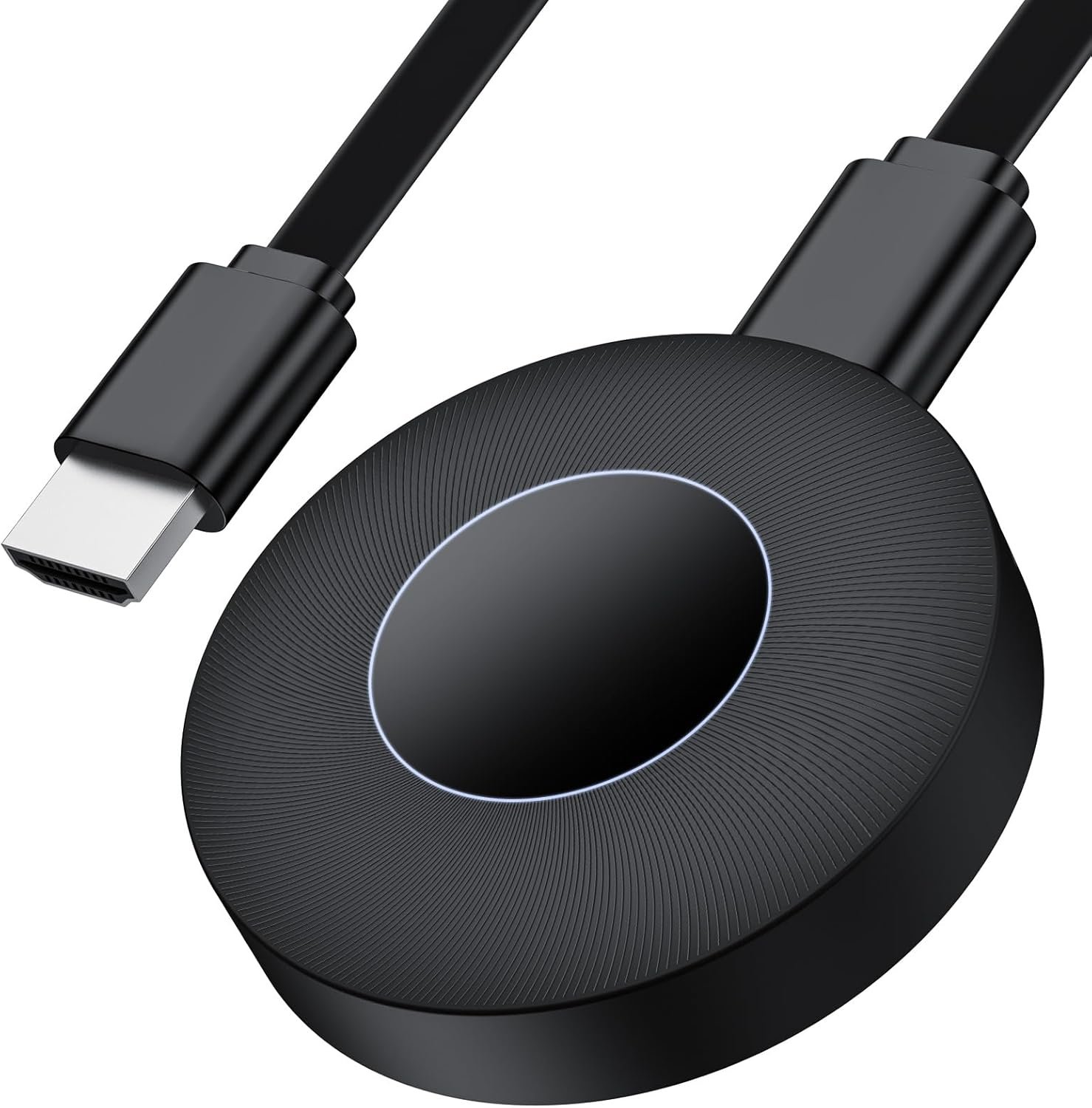
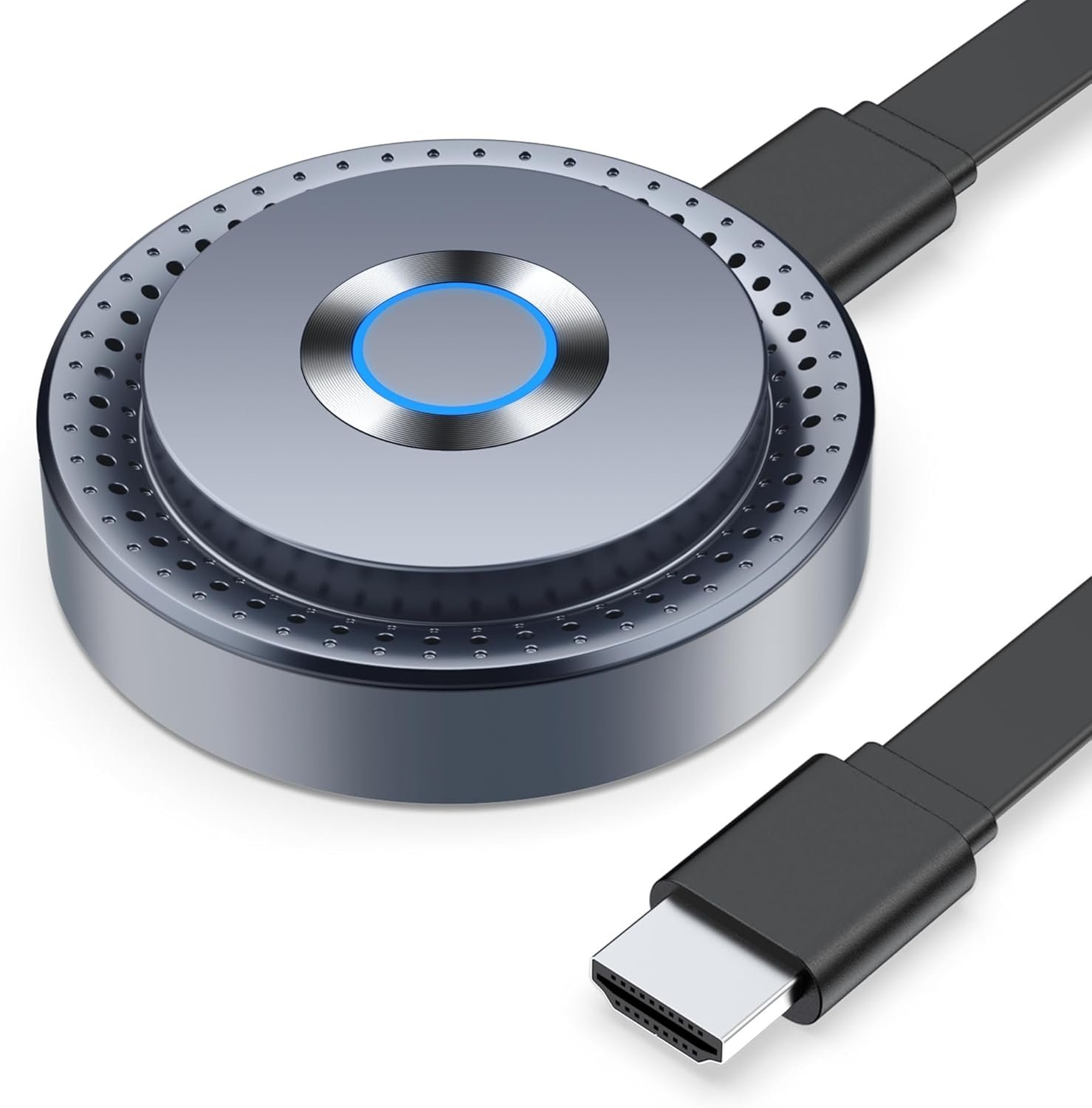
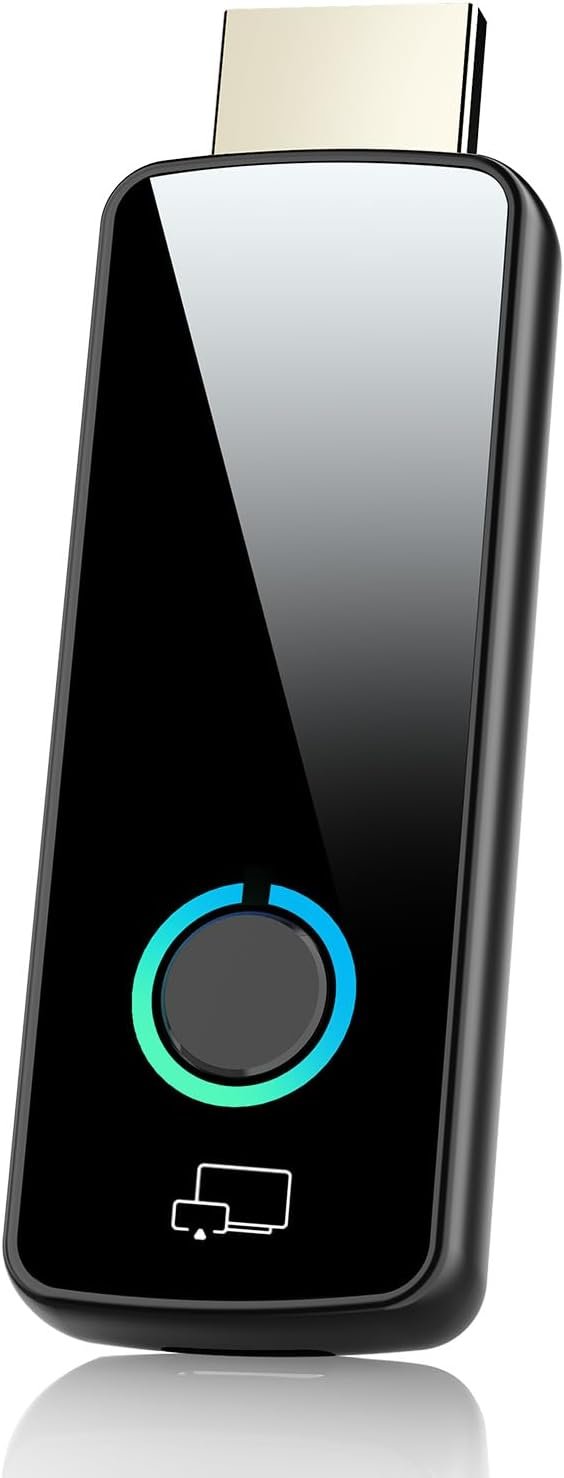
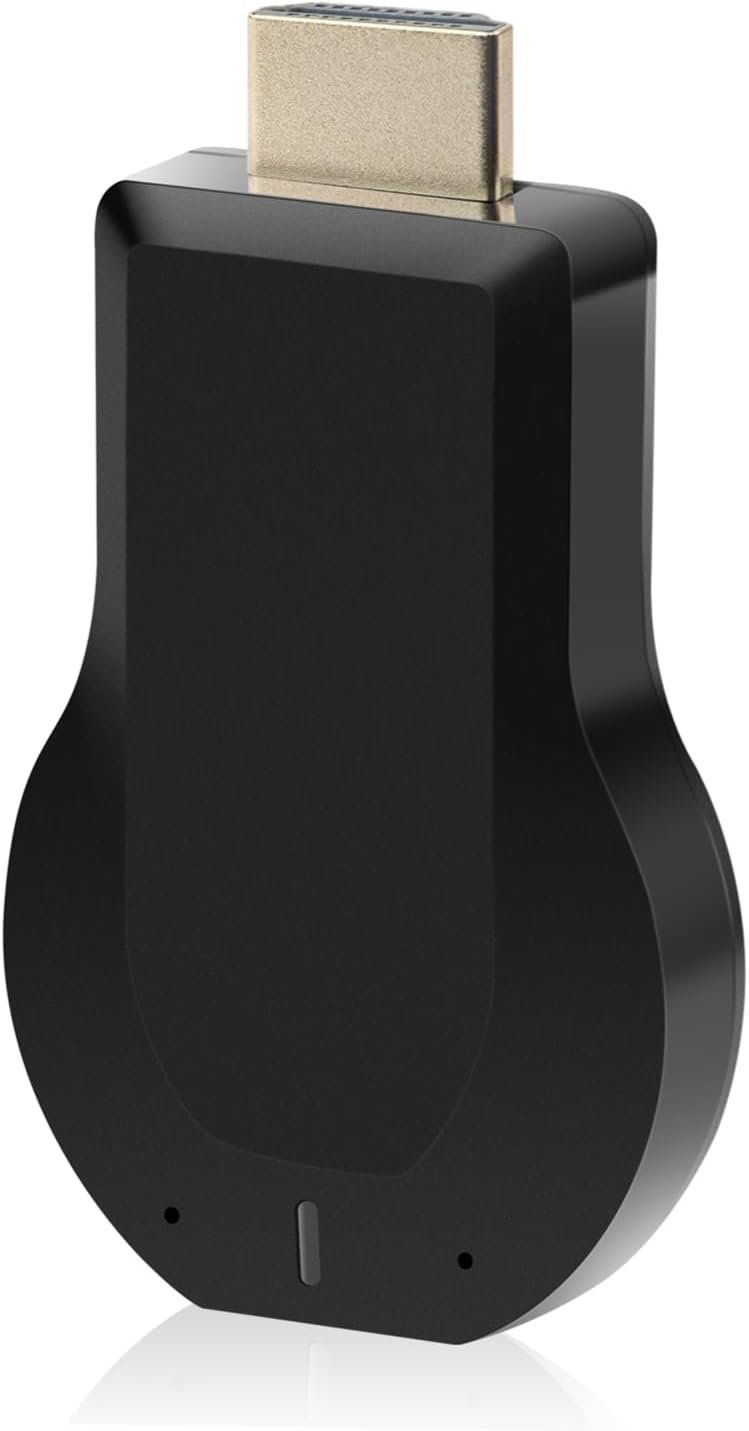
Wireless HDMI Display Dongle Adapter,No Need Any APP,No Setup, Streaming Video/Audio from Laptop,Tablet, PC, Smartphone to HDTV/Projector/Monitor, Support Android, iOS, Windows and MacOS
$19.99
Related Products
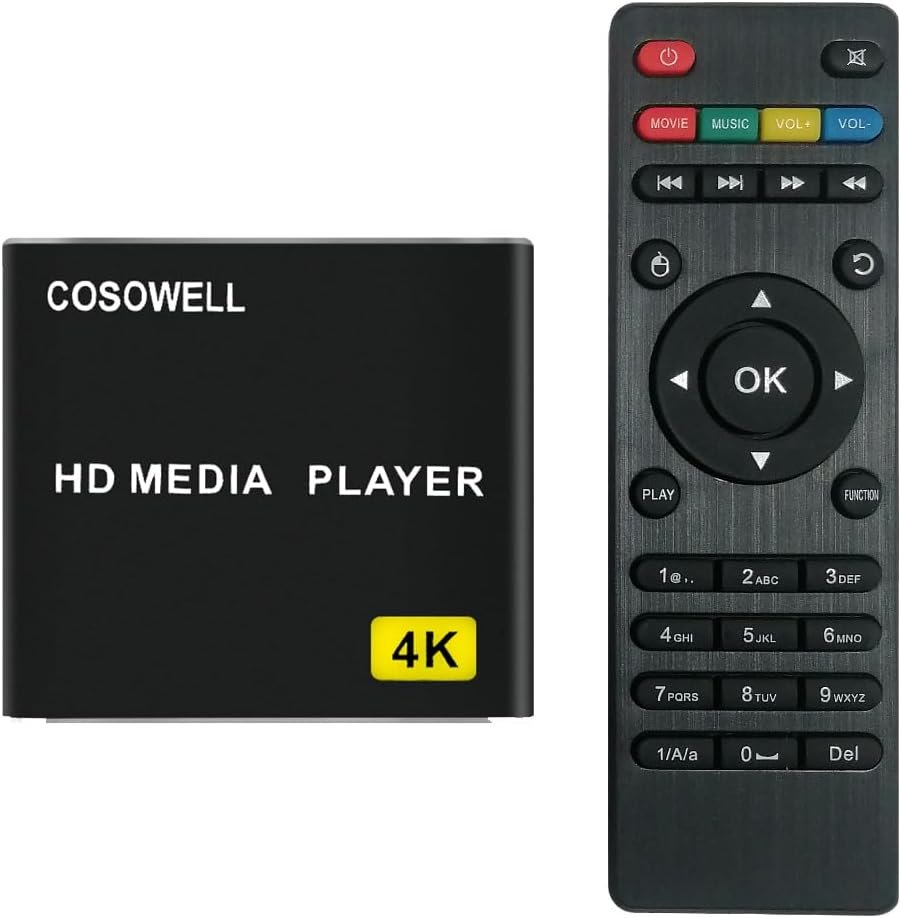
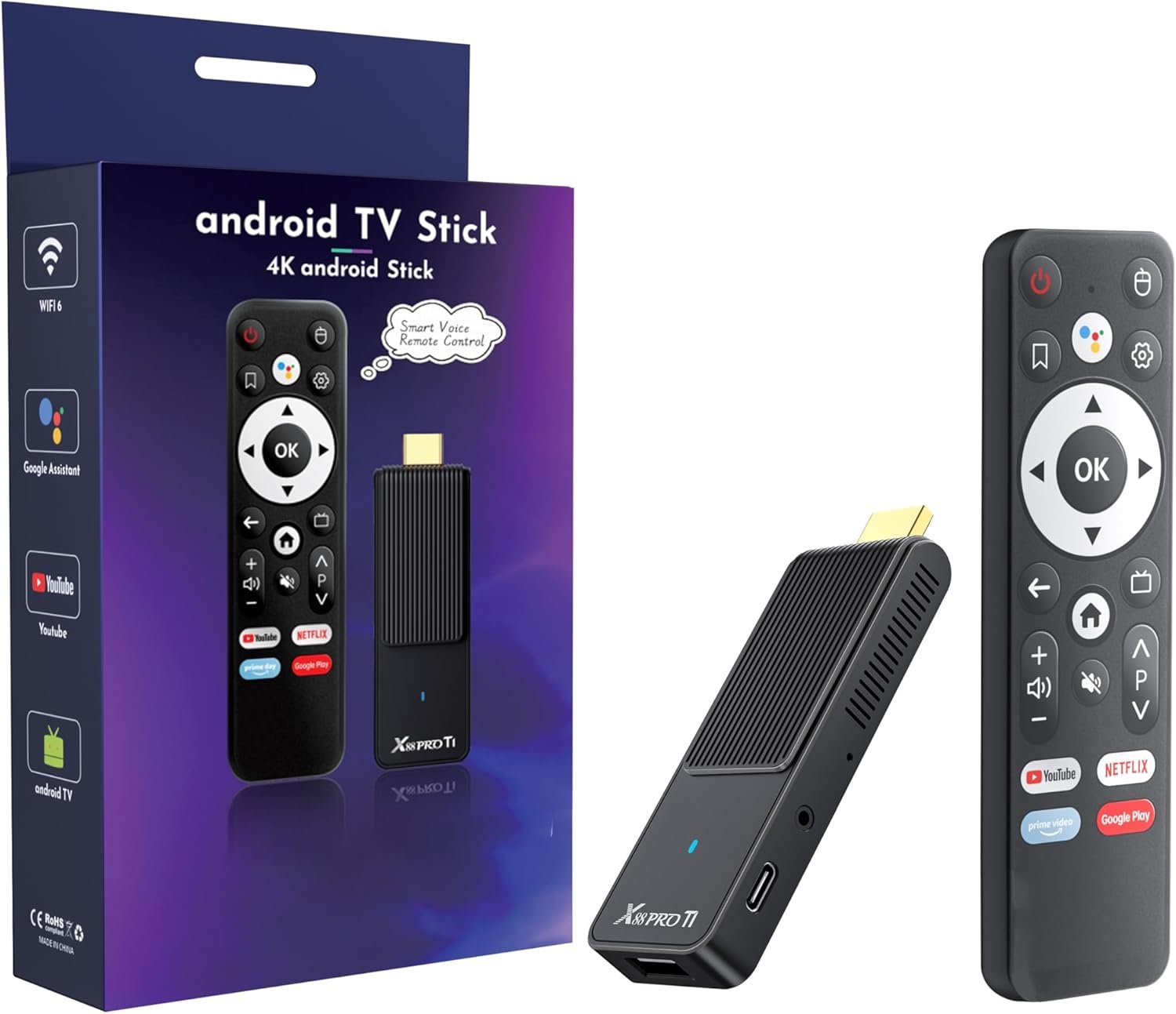
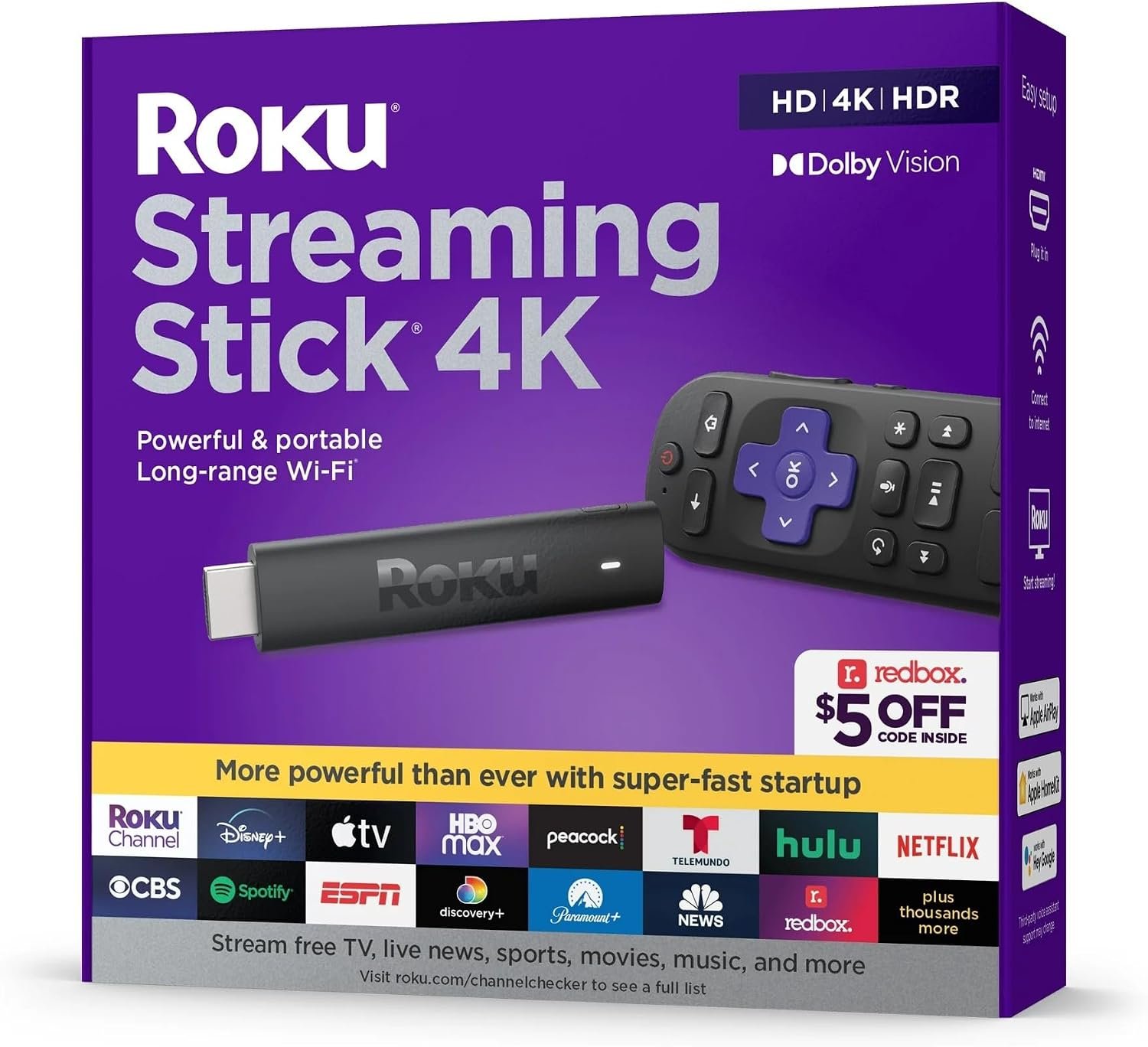


Product description


1 Home theatre
2 Meetings
3 outdoors
4 teaching


1 iOS connect
2 Mac OS connect
3 Android connect
4 Windows connect
This wireless display adapter provides a powerful mirroring function and is additionally equipped with DLNA function for more advanced needs. To realize the DLNA function, firstly, you need to set up the network connection between the device and the router. This product is suitable for 2.4G&5G dual WiFi channels.
1. Keep the boot interface in Android/Windows system dedicated mode.
2. Open the phone settings >>> Open WIFI >>> find the Renkchip-XXXX hotspot >> enter the password: 12345678.
3. After the phone is successfully connected to the hotspot, return to the main interface of the mobile phone, open the mobile phone browser, enter the URL “192.168.49.1”, click “Enter” and click “SCAN”, and wait the mobile phone search for the hotspots of the surrounding routers.
4. After searching for the surrounding routing signals, find your router name, click and enter the routing password. Wait for a while, the network connection is completed between the device and the router.
Notice:
1. In the DLNA mode, you only need to set up the network for the first time, after that, it will automatically connect to the WiFi that was connected for the first time after it is turned on.
2. Please set the device connected to the 5G wifi, because teh 5G wifi experience is better.
How to use the DLNA function on Android phone and IOS phone:
Open the mobile phone’s audio and video APP, select the program source want to play, click the DLNA/Airplay screen projection button in the upper right corner of the video after playing, search for the “Renchip-XXXX” and click to use the DLNA/Airplay playback.
The video showcases the product in use.The video guides you through product setup.The video compares multiple products.The video shows the product being unpacked. aplus content video
Plug and Play: This wireless HDMI display dongle adapter does not need to download applications and software. It only needs to connect the dongle to the HDMI port of the device, turn on the dongle power supply and find the mirror function button. It can be connected, started and run in about 10 seconds, which truly achieves plug and play. Wireless image transmission can be realized without messy cables and complicated operation steps
Screen sharing: This wireless HDMI dongle supports Airplay images of Apple IOS and MAC systems, and supports Miracast standard protocols of Android and Windows systems. The wireless display adapter is compatible with laptops, tablets, personal computers and smart phones and supports screen sharing. The screen can be freely switched between horizontal and vertical modes, and users can easily project movies, music, sports events, photos, live TV broadcasts, conference videos and other contents through the adapter, thus realizing efficient multimedia demonstration and collaboration
HD resolution: This wireless hdmi adapter supports 1080p/60Hz image quality. It can transmit video signals with a resolution of 1920×1080p pixels and refresh them 60 times per second, thus providing a smooth and clear video/audio playback experience
2.4G/5G dual-band: The wireless display adapter supports 2.4G/5G dual-band technology. It will automatically switch between these two frequency bands and select the best signal frequency band according to the environmental interference. 2.4G band has a long propagation distance, but it is slow and susceptible to interference. The 5G frequency band is fast and stable, but the transmission distance is short and the wall penetration is poor. Dual-frequency complementarity ensures continuous signal connection even in complex environment, which makes network connection more stable, transmission speed faster and delay lower
Mini size, easy to carry:This hdmi wireless display adapter is easy to carry, you can put it in your bag or pocket for travel, business trips, presentations, meetings, and teaching
Note: This device does not support Google phones. This device does not support subscription payment applications with “HDCP” video copyright protection, such as Netflix, Amazon Prime Video, BT Sports, Sky Go, Hulu, Vudu, etc
What can you get by buying our products: You can get a wireless display adapter, an HDMI cable, a power cord, an AV cable and a user manual,Note: HDMI cable is suitable for TV with HDMI interface, and AV cable (RCA cable) is suitable for old TV without HDMI interface
Troubleshooting:(1) Video lag: The device may have insufficient power supply, please connect an external 5V/1A adapter if necessary. (2) Signal delay: The device may not have enough memory, long press the switch button to restore factory settings. (3) Unable to connect: Please check if the current interface corresponds to the device’s system.
8 reviews for Wireless HDMI Display Dongle Adapter,No Need Any APP,No Setup, Streaming Video/Audio from Laptop,Tablet, PC, Smartphone to HDTV/Projector/Monitor, Support Android, iOS, Windows and MacOS
Add a review
$19.99
Gerry –
levi –
Rous –
Lucia Joya –
Miggles –
Gómez –
Scooter M –
Gabriela –